

How Much Time Can AI File Notes Save Solo and Small-Firm Lawyers?
See where AI-generated draft File Notes can reduce post-meeting administration, how to estimate potential time recovered, and why lawyer review remains essential.
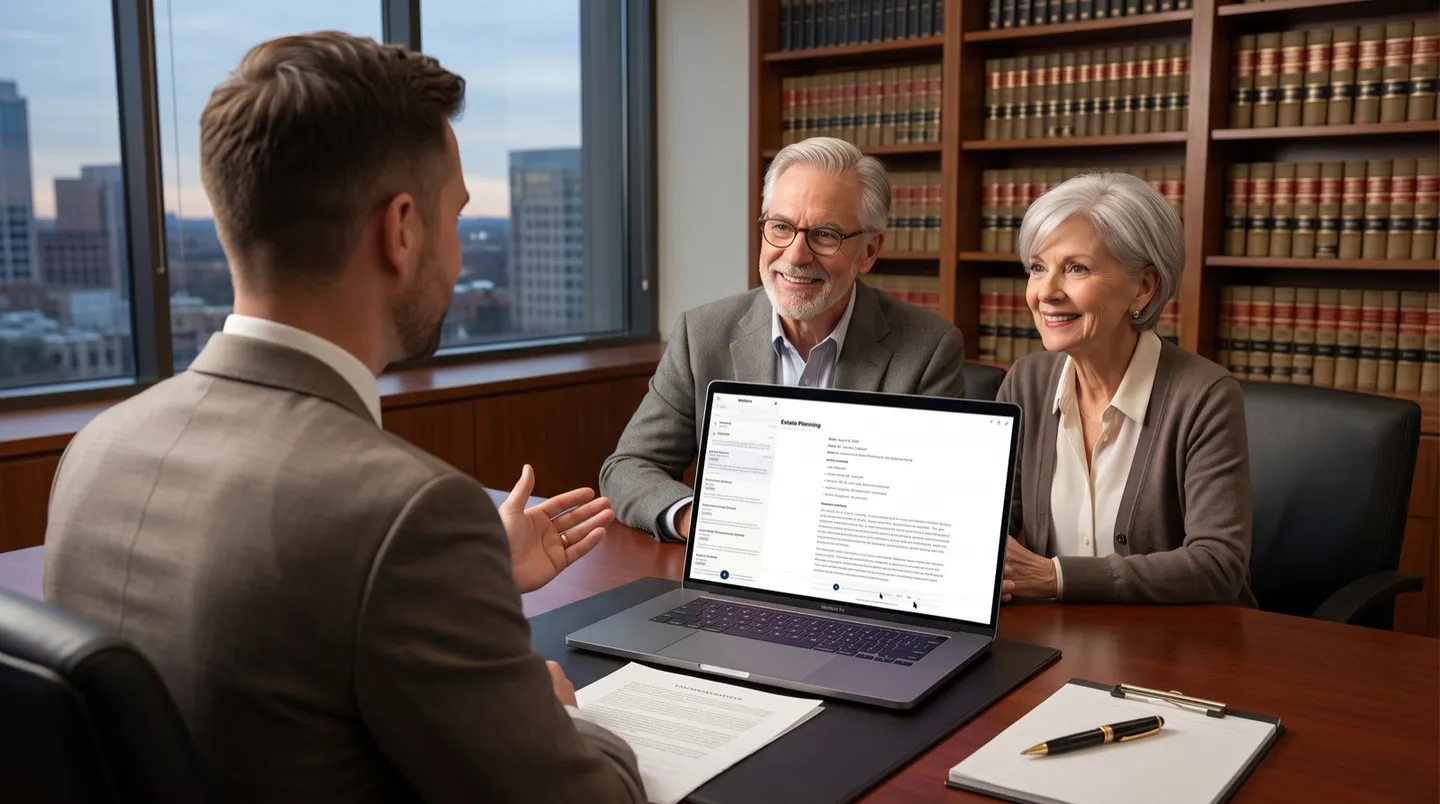
AI-generated File Notes can reduce the administrative time that follows a client meeting by giving a solo or small-firm lawyer a structured draft to review instead of a blank page to fill. The amount of time recovered depends on the meeting, the lawyer’s existing note-taking process, and the level of review required. LexVoda does not replace that review or make a File Note final automatically.
For a small practice, the useful question is not whether AI can eliminate the work after a meeting. It is whether it can shorten the path from conversation to a clear, accurate matter record—while keeping the lawyer in control of the final document.
Where the time goes after a client meeting
The meeting itself is only part of the work. A lawyer may need to turn rough notes, a recording, or their recollection into a File Note that captures the people involved, key facts, instructions, decisions, and next steps. That can involve replaying audio, typing a narrative, checking names and dates, organising the note, and saving it to the matter.
Those small pieces of administration add up when a lawyer handles several client conversations a week without dedicated administrative support. The American Bar Association identifies time savings and efficiency as core reasons solo and small firms look to AI for routine administrative work. AI adoption in solo and small law firms
LexVoda is designed for this point in the workflow. It can process a recorded or imported conversation on the Apple device, create a supporting transcript, and produce an AI-generated draft File Note for the lawyer to inspect, edit, and decide whether to use.
The workflow change: draft first, then review
Without an assistive workflow, the post-meeting process can look like this:
- Return to handwritten notes or replay the recording.
- Decide what belongs in the File Note.
- Type and structure a first draft.
- Check details, revise, and save it to the matter.
With LexVoda, the workflow becomes:
- Record or import the conversation.
- Let the device create a transcript and draft File Note.
- Review the source material and the draft.
- Correct, complete, and approve the final File Note.
The meaningful difference is the starting point. Rather than drafting every sentence from scratch, the lawyer begins with a structured draft and applies professional judgment to it. Learn more about how LexVoda turns conversations into reviewable matter records.
Estimate potential time recovered in your practice
There is no honest universal answer such as “LexVoda saves every lawyer 20 minutes per meeting.” The right estimate is based on your own workflow.
Use this simple calculation:
Weekly time recovered = client meetings per week × (current File Note time − review-and-edit time)
For example, consider a lawyer who has eight client meetings each week. If writing, organising, and saving a File Note currently takes 20 minutes per meeting, and reviewing and editing a draft takes 8 minutes, the illustrative difference is 12 minutes per meeting:
| Workflow measure | Example |
|---|---|
| Client meetings each week | 8 |
| Current time to complete one File Note | 20 minutes |
| Time to review and edit one draft | 8 minutes |
| Illustrative time recovered each week | 96 minutes |
| Illustrative time recovered across 48 working weeks | about 77 hours |
This is an example, not a performance promise. A complex client conference may still require substantial review. A short routine update may take very little time either way. The most useful measurement is a before-and-after comparison from your own matter workflow.
What determines the time savings?
The result will vary. The largest factors usually include:
- Your current process: a lawyer already using a polished template may have less drafting time to recover than one working from unstructured notes.
- Meeting length and complexity: longer meetings, multiple speakers, technical facts, or emotionally detailed accounts can require more review.
- Audio quality: unclear audio, interruptions, and names or numbers that need verification can increase review time.
- The purpose of the File Note: an internal attendance note, an initial consultation, and a critical matter record can each require a different review standard.
- Your editing standard: the lawyer decides how much context, precision, and supporting detail belong in the final document.
LexVoda is intended to reduce first-draft administration, not to reduce the standard of professional judgment. A File Note created with AI is still a draft until the lawyer has checked and completed it.
Why a review-first workflow matters
The time-saving opportunity should not be confused with a shortcut around accuracy or responsibility. Transcription can mishear a name, date, number, or speaker. AI drafting can omit context, make an uncertain inference, or present information in wording that needs correction.
Before relying on a File Note, a lawyer should review material details against the source conversation and transcript, correct errors, add missing context, and decide whether the final record is appropriate for the matter. That is why LexVoda presents its output as a reviewable draft rather than final legal work product.
The wider legal profession is also focused on using AI intentionally rather than treating it as an automatic answer. Thomson Reuters’ 2025 research reported that surveyed legal professionals expected AI to free up significant time, while also emphasizing the value of a deliberate AI strategy. Those industry estimates are useful context; they are not a measure of LexVoda’s results for any particular firm. Future of Professionals Report 2025
Start with one repeatable meeting type
Solo and small firms do not need to redesign their entire practice to evaluate an assistive AI workflow. Start with a repeatable meeting type, such as an initial consultation or a routine client update, and compare the process over several matters.
Track three things:
- The time from the end of the meeting to a completed File Note.
- The amount of editing and source checking needed before approval.
- Whether the final note is clearer, more consistent, and easier to place in the matter record.
That produces a more useful answer than a generic vendor claim. It shows whether the workflow creates capacity for client communication, case preparation, billable legal work, or simply a more manageable day.
Frequently asked questions
How many minutes can AI File Notes save a lawyer?
There is no fixed number. The potential difference depends on the lawyer’s current note-writing time, the number and type of meetings, the source audio, and the review required. Measure your own before-and-after workflow rather than relying on a universal claim.
Can LexVoda create a File Note from a client meeting?
LexVoda can process a recorded or imported conversation, create a supporting transcript, and produce an AI-generated draft File Note. The lawyer must review, correct, edit, and decide whether to approve the final File Note.
Does using an AI draft remove the need to listen to the recording?
No. A lawyer should check important details against the source conversation and transcript, particularly names, dates, amounts, instructions, decisions, and other material facts.
Is LexVoda only useful for larger law firms?
No. The workflow is especially relevant to solo and small-firm lawyers who handle both client work and the administration that follows it. It is designed to provide a reviewable starting point without requiring a separate person to draft every File Note.
Does LexVoda use a cloud AI service to create File Notes?
LexVoda’s core transcription and AI-assisted File Note drafting workflow runs on the user’s Apple device rather than relying on a LexVoda-operated cloud AI inference service. Exporting, sharing, backup, synchronisation, email, support, and other third-party services can still involve information leaving the device. Read more about why LexVoda runs AI on-device.
A practical way to recover time after meetings
LexVoda helps a lawyer move from a client conversation to a reviewable draft File Note without beginning the matter record from scratch. The lawyer remains responsible for the facts, the context, the edits, and the final professional judgment. The potential benefit is not an automatic File Note—it is a more efficient starting point for producing one.
Explore the LexVoda workflow or learn more about LexVoda.